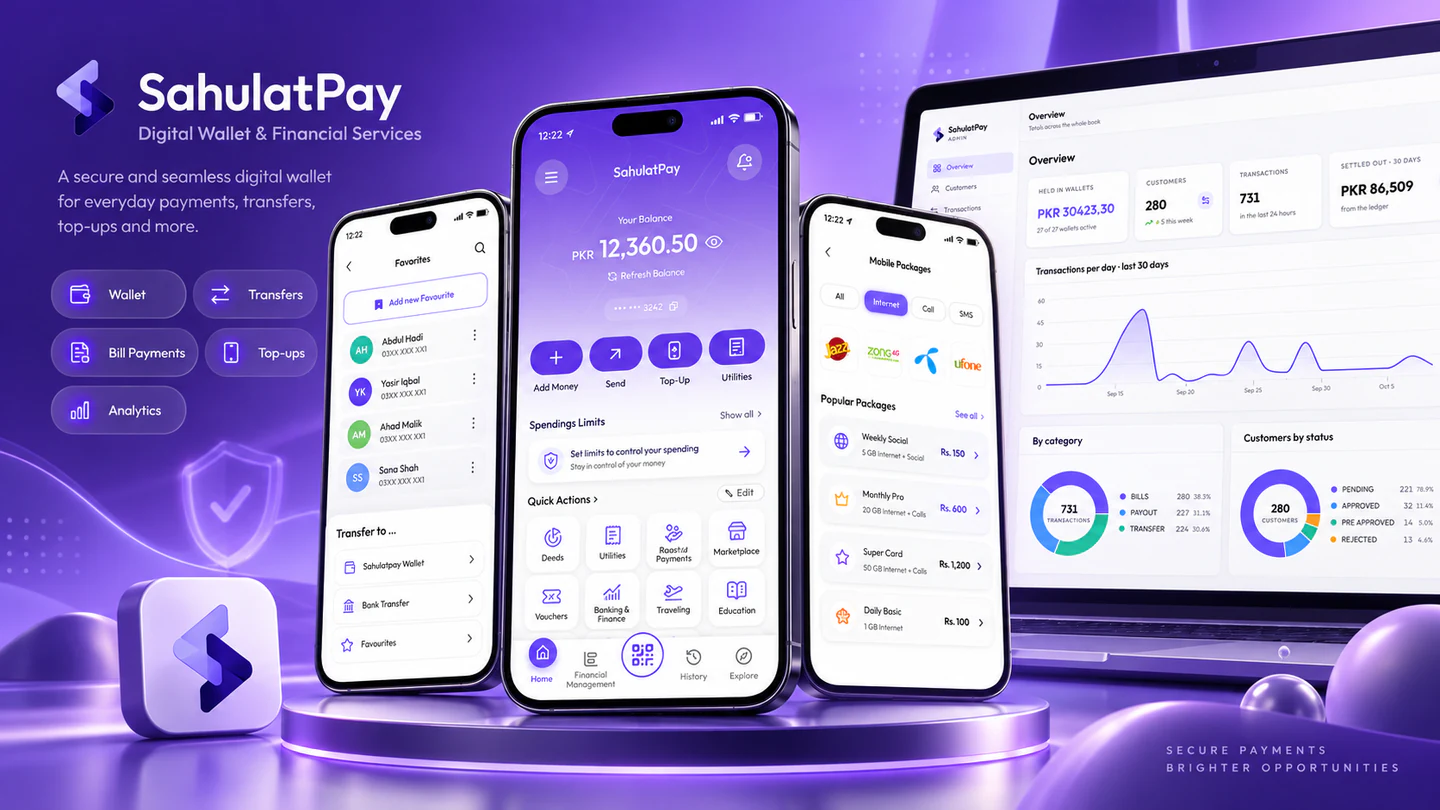
 Illustrative concept
E-Wallet & Mobile Application
SahulatPay Digital Wallet
A close-loop digital wallet for SahulatPay: backend services, a Flutter application for Android and iOS, and production deployment to both stores.
Explore projectGetting an app into the stores is the easy part. Keeping it fast on older Android phones, working without signal, passing review every release and telling you what users actually do. That is the work. We build iOS and Android apps in React Native, Flutter, Swift or Kotlin, choose between them honestly, and stay through release and beyond.
Businesses for whom the app is a product or a channel in its own right, not a wrapper around a website.
You have a validated idea and a budget that has to cover both platforms. You need a team that will pick the right cross-platform stack, build the version one that proves the model, and leave you able to iterate.
You already serve customers on the web or in person (retail, logistics, healthcare, financial services) and need an app that connects to existing systems, works in the field and meets your compliance obligations.
You have an app already. It crashes on certain devices, the last agency left, the codebase is on an old framework version, or store review keeps rejecting it. You need it stabilised and moving again.
These are the shapes most mobile engagements take. Most projects combine a build with at least one of the specialist areas below.
One codebase for iOS and Android when the app is mostly screens, forms, lists and API calls, which is most apps. React Native suits teams that already have React and TypeScript on the web; Flutter suits design-heavy interfaces that must render identically on both platforms. This applies when time to market and a single team matter more than the last few percent of platform fidelity.
Separate native codebases when the app leans hard on the platform: camera and sensor pipelines, Bluetooth and hardware peripherals, background processing, ARKit or Core ML, or animation that must hold 60 fps on older devices. This applies when cross-platform would spend more time working around the framework than it saves.
Apps that keep working in a warehouse, on a delivery route or on a poor connection: local storage as the source of truth, queued writes, conflict resolution and sync that resumes cleanly. This applies to field operations, logistics, healthcare and any app used where signal is not guaranteed.
Taking money in an app correctly: Apple and Google in-app purchase for digital goods, Stripe or regional gateways for physical goods and services, subscription lifecycles, receipts and server-side verification. This applies to any app with revenue, and it is where store review is strictest.
Notifications that arrive, are relevant and open the right screen: APNs and FCM, segmentation, quiet hours, universal links and app links, and the analytics to know whether any of it worked. This applies to any app where retention matters more than the install.
Getting through review the first time and every time after: store listings, privacy manifests and data-safety forms, TestFlight and internal testing tracks, staged rollouts, and a release cadence your team can sustain. This applies from the first submission onward, and especially when an app has been rejected before.
Interactive prototypes tested on real phones before code is written, following Apple and Material guidelines where users expect them.
Testing on real devices across screen sizes, OS versions and low-end Android hardware, not only the simulator on a developer's laptop.
Firebase or a Node.js API in your cloud, designed with mobile constraints in mind, payload size, pagination, versioning for app builds that users never update.
Secure storage, certificate pinning where warranted, biometric authentication and data handling that meets store policies and regulations such as GDPR.
Cross-platform versus native is a trade-off, not a doctrine. We set out the reasoning (team, features, budget, device targets) before the first line of code, so nobody is surprised a year in.
Developer accounts, signing certificates, repositories and back-end infrastructure are in your name from day one. Losing access to your own app is a failure mode we design out.
Older Android devices, small screens, poor connections and interrupted sessions are the normal case for most of our clients' users. We test for them deliberately.
What the app must do, who uses it, on which devices and where, what it connects to and how it earns or saves money. This is where the cross-platform-or-native decision is made.
User flows and an interactive prototype, a technical design covering stack, data and sync, store requirements, a phased scope and a cost range.
Short increments with a build on your phone via TestFlight and internal testing at the end of each, plus automated tests and a device pass before every release.
Store submission handled, staged rollout, crash and analytics dashboards live from launch, then a cadence of updates or a handover to your team.
Everything runs in accounts you control from the first commit. Ending an engagement is an access change, not a migration.
Illustrative conceptE-Wallet & Mobile Application
A close-loop digital wallet for SahulatPay: backend services, a Flutter application for Android and iOS, and production deployment to both stores.
Explore project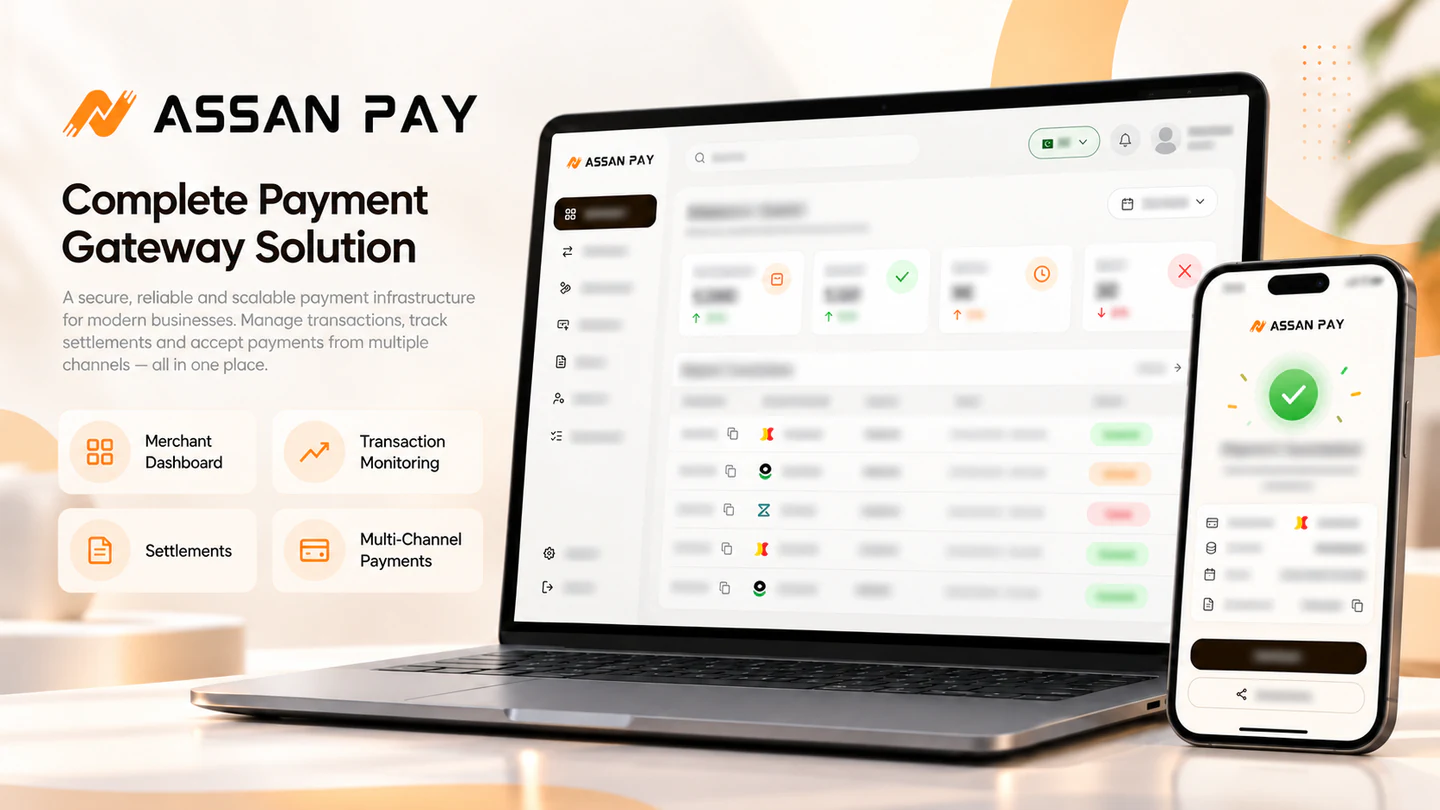 Illustrative concept
Payment Infrastructure
A regional payment gateway platform with merchant and admin dashboards, payment APIs, hosted checkout and integrations for e-wallets, QR payments and cards, plus a Flutter merchant app for Pakistan.
Explore projectAnything not covered here? Ask us through the contact form and we’ll answer within a working day.
Yes. Our SahulatPay project included backend services, a Flutter application for Android and iOS, and production store releases. We scope the application workflows and backend dependencies together.
Who uses it, on which phones, where, and what it connects to. We'll come back within one working day with an honest view on stack and roughly what it would take.
Trusted by teams across fintech, e-commerce and SaaS